Self-service printing in Nairobi
Printing
Without
the Queue.
Send your document from your phone, pay with M-Pesa, and collect it from a DigiPrint kiosk. Nothing prints until you're standing at the machine.
How it works
Four steps, about a minute, no attendant.
Scan the QR code on the kiosk, or open the DigiPrint page on your phone.
Choose a PDF, Word file or photo. Pick pages, copies, colour and sides.
See the exact price, then pay with M-Pesa. You get a 6-digit release code.
Type the code at the kiosk. Your pages print there and then, into the slot.
Find a kiosk
There's one closer than you think.
See which kiosks are online right now, how much paper they have, and get directions.
Loading kiosks…
Why DigiPrint
Built like an ATM. Private like one too.
A cyber café queue, a stranger handling your CV, a printer that eats your money: we designed every step to remove those.
Only prints when you're there
Your release code works at the kiosk you chose, for 24 hours. Pages never sit in a tray waiting for someone else.
Your file is gone after printing
Documents go straight to private storage and are deleted the moment they print, or when the job expires.
Never lose your money
Paper jam? Didn't collect in time? You automatically get a credit code worth what you paid, sent by SMS.
Print exactly what you need
Choose pages, copies, colour and sides, or two pages per side to save paper and money.
The machine
Designed for busy places.
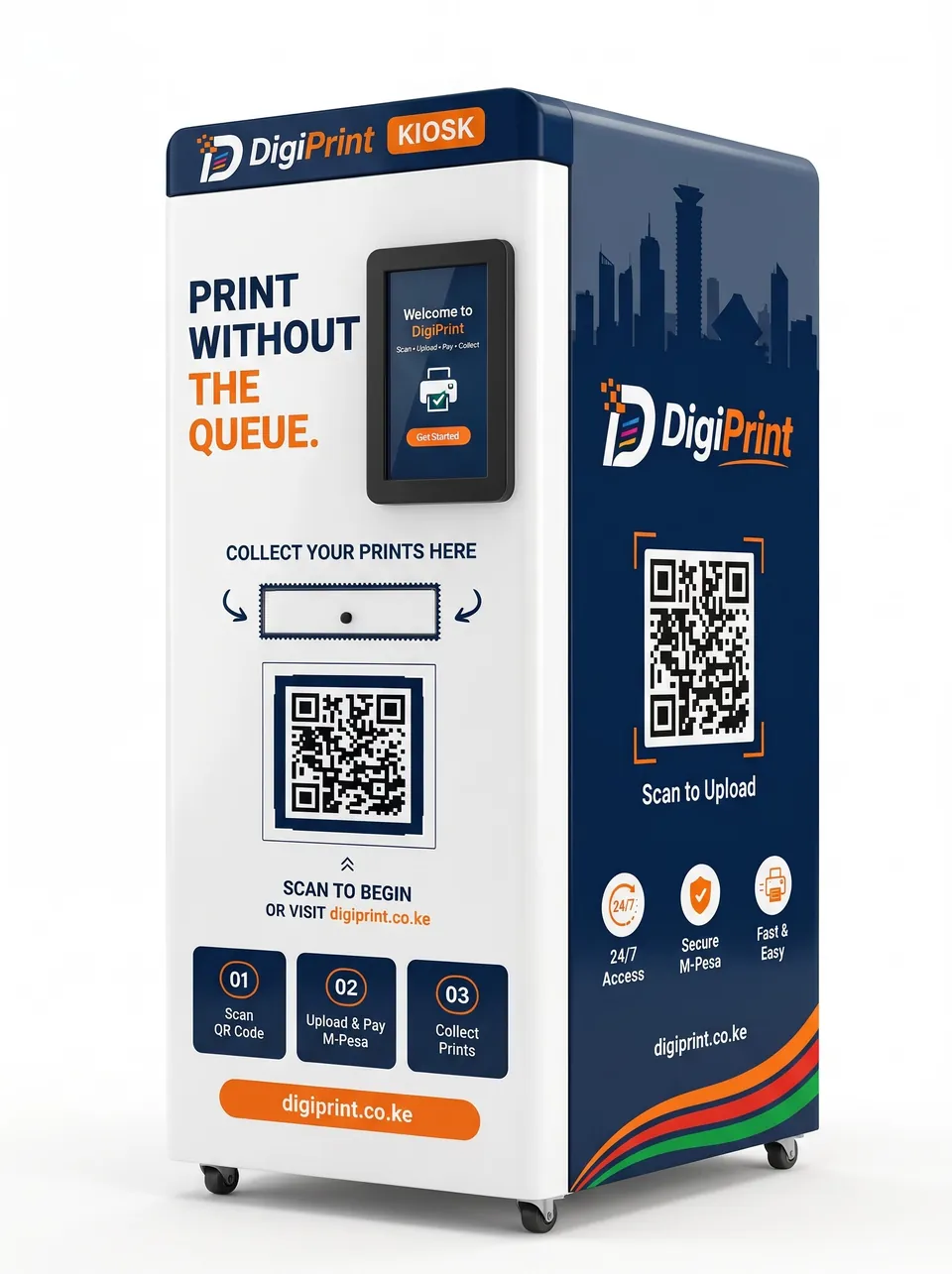
A steel cabinet with a 10-inch touchscreen, a business laser printer and up to 1,200 sheets inside. It fits in 600 × 700 mm of floor.
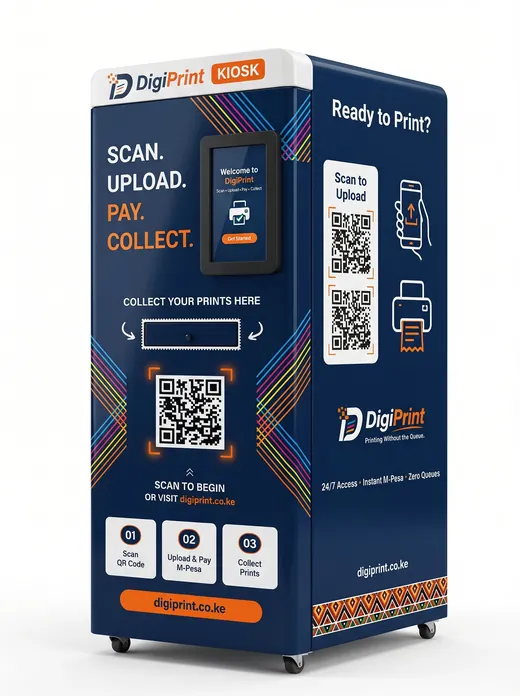
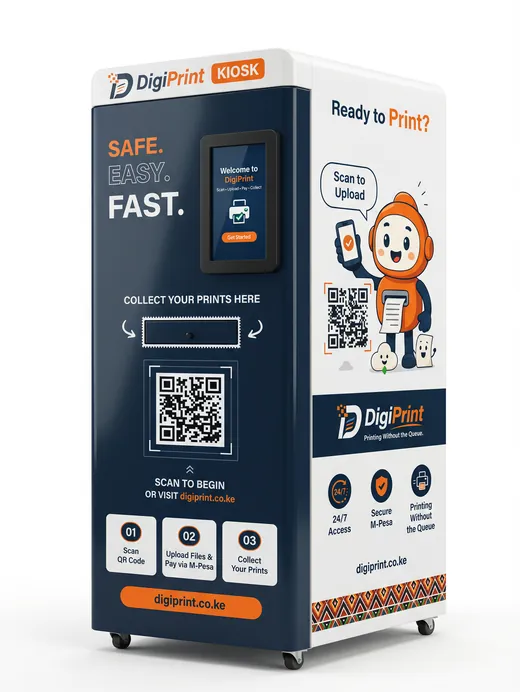
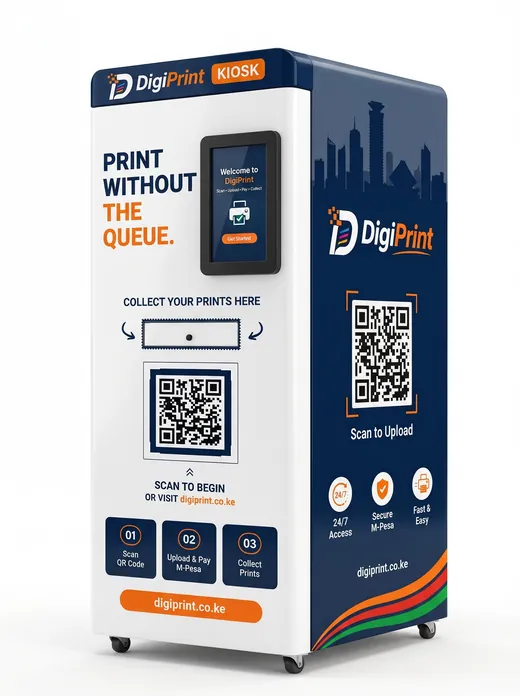
Concept designs. Final cabinets may differ.
For businesses and venues
Earn from every page printed at your door.
Run a kiosk as a partner print shop, take a franchise, or simply host one. We handle payments, software and support.
Questions
Good to know.
What can I print?
PDFs, Word documents and photos (JPG or PNG), up to 25 MB.
How much does it cost?
Prices are per printed side and depend on the kiosk and on colour. You see the exact price before you pay.
What if it doesn't print?
You automatically get a credit code for the full amount, by SMS and on screen, valid for 90 days at any kiosk.
Is my document safe?
It's stored privately and deleted straight after printing. Nobody at DigiPrint looks at it.
Do I need an account?
No. Just your M-Pesa number.
Can I pay with cash?
No. Kiosks take M-Pesa only, so there's no cash or change to handle.